
If you’re looking for a top logo design tools review, you probably want a clear, detailed guide that helps you choose the right tool for your brand without confusion. Whether you’re a beginner starting your first business or someone refining an existing brand identity, the right logo design tool can make a huge difference in quality, time, and cost.
In this detailed top logo design tools review, we’ll go beyond the basics and explore how each tool works, who it’s best for, its strengths, limitations, pricing approach, and practical use cases—so you can confidently decide which one fits your needs.
hat already fits your industry and brand style without manually designing from scratch or spending long hours editing a template.
What Makes a Good Logo Design Tool?
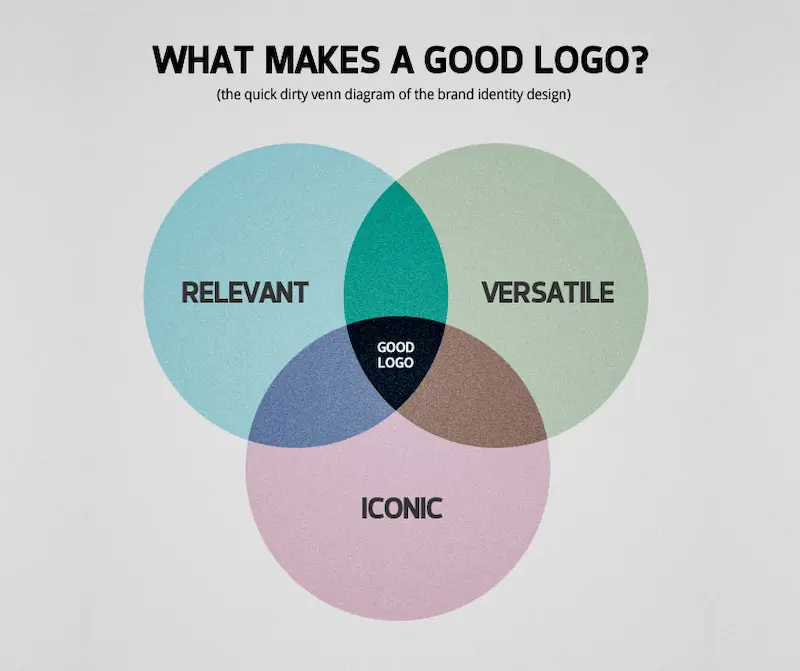
Before reviewing individual tools, it’s important to understand what to look for in a logo design platform:
- Ease of use (especially for beginners)
- Customization options (fonts, colors, icons)
- Template variety or creative flexibility
- Export quality (vector files, high resolution)
- Pricing and licensing
- AI assistance vs manual control
With that in mind, let’s dive into the top options.
1. Design.com
Design.com – Best for Fast, On-Brand Logo Creation
Design.com’s AI logo generator focuses on helping businesses create logos that already feel aligned with their industry and brand identity. Instead of producing generic designs, the platform generates logo concepts tailored to different business styles, whether you’re building a tech startup, ecommerce brand, consultancy, fitness company, or creative business.
How It Works
You enter your business name and keywords, and the AI instantly generates thousands of logo concepts designed to match your brand personality.
Key Strengths
- Fast logo generation with multiple design and style variations
- Logos are tailored to different industries and brand identities
- Beginner-friendly drag-and-drop editor
- AI chat editing options for conversational logo changes rather than manual
- Brand Kit tool for consistent visual branding across materials
- Multiple export formats including PNG, JPG, SVG, PDF, EPS, GIF
Limitations
- Browser based only, no native app yet
- Premium templates require paid plans
- Advanced customization is still more limited than professional design software
Best For
- Businesses wanting logos that immediately feel on-brand
- Teams looking for quick brand consistency across marketing materials
- Startups needing fast, professional branding
- Entrepreneurs with no design experience
Design.com is ideal if you want a professional-looking logo t
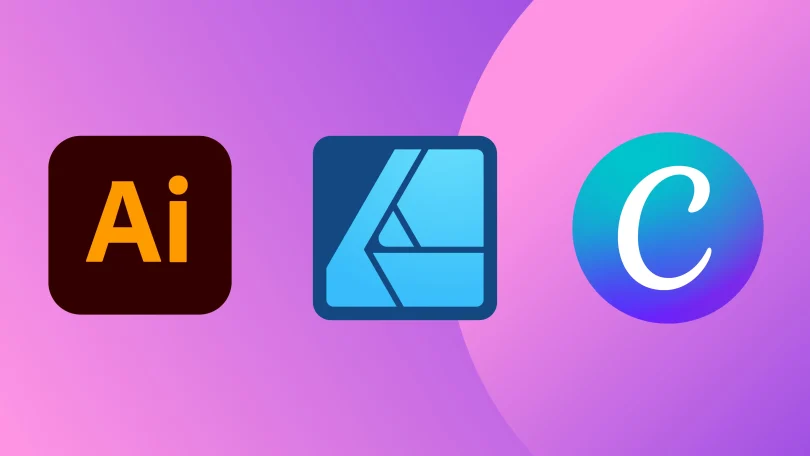
1. Canva – Best for Beginners and Quick Designs
Canva is one of the most popular logo design tools, especially for beginners who want simplicity and speed.
How It Works
Canva provides pre-designed templates that you can customize using a drag-and-drop editor. You can easily modify text, colors, icons, and layout without needing any design experience.
Key Strengths
- Extremely beginner-friendly interface
- Thousands of logo templates
- Built-in font and icon library
- Free plan available with plenty of features
Limitations
- Limited advanced vector editing
- Many premium elements require payment
- Less suitable for highly unique logos
Best For
- Small businesses
- Social media brands
- Quick logo mockups
- Beginners with no design background
Canva is ideal if you want something fast, visually appealing, and easy to use without a learning curve.
You may also like it:
Modern Graphic Design Ideas For Beginners and Experts
Basic Design Principles Explained Simply for Beginners Guide
Cheap Graphic Design Tools Deals: Top Picks for Designers
2. Adobe Illustrator – Best for Professional Designers
Adobe Illustrator is the industry-standard tool used by professional logo designers worldwide.
How It Works
Illustrator allows you to create logos from scratch using vector-based tools. This means your logo can scale to any size without losing quality.
Key Strengths
- Full creative control
- Advanced vector editing tools
- Industry-standard output quality
- Perfect for custom and unique logos
Limitations
- Requires design knowledge
- Subscription-based pricing
- Steep learning curve for beginners
Best For
- Professional designers
- Agencies
- Businesses needing highly customized branding
If you want complete control and professional-grade results, Illustrator is one of the most powerful options available.
3. Looka – Best AI-Powered Logo Generator
Looka uses artificial intelligence to generate logo designs based on your preferences.
How It Works
You enter your business name, select design styles, colors, and icons, and Looka generates multiple logo options automatically.
Key Strengths
- AI-generated logo suggestions
- Fast and automated process
- Branding kits available
- No design skills required
Limitations
- Less originality compared to manual design
- Limited deep customization
- Paid downloads for high-resolution files
Best For
- Entrepreneurs
- Startups needing quick branding
- Users who want inspiration and speed
Looka is perfect if you want a logo quickly without spending hours designing from scratch.
4. Tailor Brands – Best for Full Branding Solutions
Tailor Brands is more than just a logo maker—it’s a complete branding platform powered by AI.
How It Works
You answer a few questions about your business, and the AI generates logo options along with branding assets.
Key Strengths
- AI-driven logo creation
- Full branding kit (business cards, social assets)
- Easy setup process
- Consistent brand identity tools
Limitations
- Subscription-based pricing
- Limited manual design control
- Designs may feel somewhat generic
Best For
- Small businesses
- Startups looking for complete branding
- Users who want an all-in-one solution
Tailor Brands is useful if you want more than just a logo and prefer a guided branding experience.
5. Hatchful by Shopify – Best Free Logo Maker
Shopify Hatchful is a free tool designed for entrepreneurs who need quick logo creation without cost.
How It Works
You select your industry, choose a visual style, and Hatchful generates logo options tailored to your niche.
Key Strengths
- Completely free to use
- Industry-specific templates
- Simple and beginner-friendly
- Quick download options
Limitations
- Limited customization
- Fewer advanced features
- Not ideal for unique branding
Best For
- Budget-conscious users
- New business owners
- Quick logo prototypes
Hatchful is a great starting point if you want something functional without spending money.
6. Wix Logo Maker – Best for Website Integration
Wix Logo Maker combines AI with customization and is especially useful if you’re building a website on Wix.
How It Works
The tool asks questions about your brand and then generates logo designs that you can further customize.
Key Strengths
- AI-assisted design suggestions
- Custom fonts, colors, and layouts
- Seamless integration with Wix websites
- High-resolution downloads available
Limitations
- Paid downloads required
- Limited compared to professional tools
- Designs may require refinement
Best For
- Website owners using Wix
- Beginners wanting guided design
- Small businesses building online presence
Wix Logo Maker is a solid option if your logo is part of a larger website project.
7. LogoMakr – Best for Simple Manual Design
LogoMakr is a straightforward tool that allows you to design logos manually using basic elements.
How It Works
You drag and drop icons, shapes, and text to create your logo manually within the editor.
Key Strengths
- Simple and lightweight interface
- Large icon library
- No account required for basic use
- Quick design process
Limitations
- Limited advanced design tools
- High-resolution downloads may require payment
- Not suitable for complex branding
Best For
- Quick logo drafts
- Simple brand identities
- Users who prefer manual control without complexity
LogoMakr is useful if you want a no-frills tool for fast logo creation.
Comparison Overview
Here’s a quick breakdown of how these tools compare:
- Best for beginners: Canva, Hatchful
- Best for professionals: Adobe Illustrator
- Best AI tools: Looka, Wix Logo Maker, Tailor Brands
- Best free option: Hatchful
- Best for full branding: Tailor Brands
- Best for manual simple design: LogoMakr
Tips for Choosing the Right Tool
- If you’re new, start with Canva or Hatchful
- If you want automation, go with AI tools like Looka
- If you need full creative freedom, choose Adobe Illustrator
- If you want branding beyond logos, consider Tailor Brands
- If you’re building a website, Wix Logo Maker is convenient
Final Thoughts
This top logo design tools review shows that each tool serves a different purpose depending on your goals, experience level, and budget. Beginners will appreciate the simplicity of Canva or Hatchful, while professionals will benefit from the precision of Adobe Illustrator. AI-powered tools like Looka and Wix Logo Maker offer a balance between speed and creativity, and platforms like
Tailor Brands provide complete branding solutions.
Ultimately, the best tool is the one that aligns with your workflow and helps you create a logo that truly represents your brand identity. Take your time, explore a few options, and choose the one that feels most comfortable for your design needs.
FAQs – Top Logo Design Tools Review
1. What is the best logo design tool for beginners?
For beginners, tools like Canva and Shopify Hatchful are great choices. They offer simple drag-and-drop interfaces, ready-made templates, and require no prior design experience.
2. Which logo design tool is best for professional designers?
Adobe Illustrator is considered the best tool for professionals. It provides advanced vector editing, full creative control, and the ability to create highly customized and scalable logos.
3. Are AI logo makers reliable for branding?
Yes, AI tools like Looka and Tailor Brands are reliable for quick logo generation. However, while they are great for ideas and speed, they may offer less uniqueness compared to custom-designed logos.
4. Can I create a logo for free?
Yes, several tools offer free plans or free logo creation options. For example, Shopify Hatchful allows you to design and download logos at no cost, though some advanced features may be limited.
5. Which tool is best for full branding, not just logos?
Tailor Brands is ideal if you want more than just a logo. It provides additional branding assets such as business cards, social media kits, and brand guidelines.